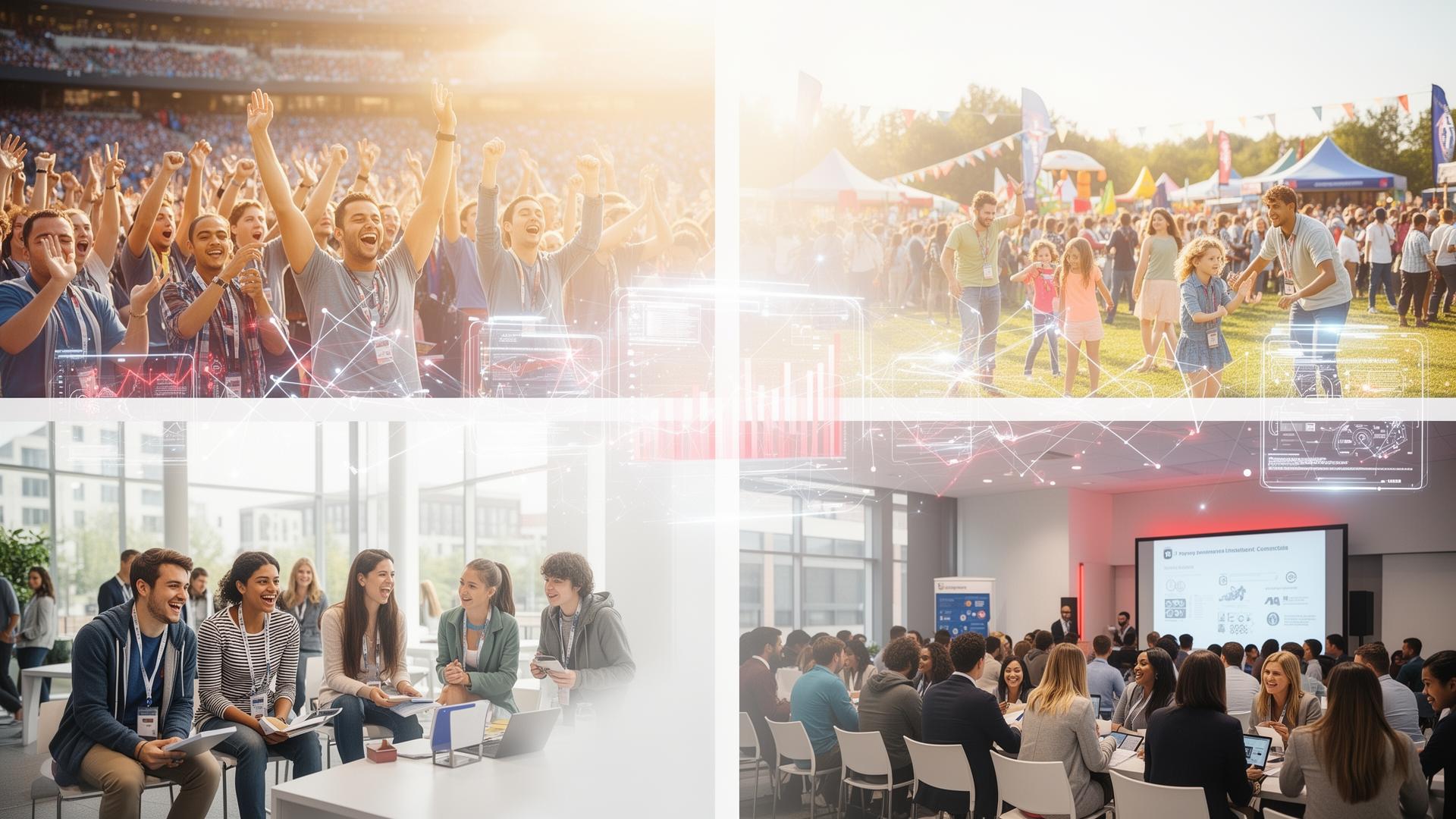
See Something.
Do Something.
Turn every fan into part of the experience.
Give every fan a simple way to contribute to a safer, smarter, and better event. Attendees scan a QR code or enter an Event ID; CivilCamAI helps capture, organize, preserve, and transform voluntary contributions into useful event intelligence.
Do Something.
Contribute to today’s event
No app required.
Your fans are already capturing the event.
Give them somewhere meaningful to send it.
“We don’t have to teach people to pull out their phones. They already do. We give that behavior purpose.”
Capture the entire fan experience.
Safety Concern
Wet floors, blocked exits, crowding, damaged railings, or conditions needing attention.
Fan Experience
Share what made the experience better—or what could be improved.
Facility Issue
Restrooms, seating, lighting, signage, elevators, escalators, or venue conditions.
Crowd Conditions
Unexpected congestion, entrance delays, long lines, or movement issues.
Positive Moment
Exceptional staff, a great activation, outstanding service, or a memorable experience.
Photo or Video Evidence
Document something visually when media communicates more than words.
From event setup to venue intelligence.
The same simple contribution pathway can support one community event or a major venue.
Create your event
The venue creates an event. CivilCamAI generates an Event ID, contribution link, and QR code.
Deploy the campaign
Place activation points at gates, concourses, guest services, seating, parking, screens, and programs.
Fan sees something
A fan notices a safety concern, service moment, facility issue, or experience worth sharing.
Fan does something
They scan, capture or comment, and submit—without downloading an app.
CivilCamAI organizes
The prototype preserves media and associates time, location context, event, metadata, classification, and validation signals.
Venue gains intelligence
Teams review contributions by safety, facilities, guest experience, crowd flow, operations, and positive feedback.
Turn your venue into a contribution network.
Participation works when it is available where the experience happens.
Entry gates
Campaign bannerCatch attention before guests enter the event flow.
Information stand
Counter QRInvite contribution where guests already seek help.
Concourse
Wall signagePlace prompts near natural pauses without blocking movement.
Elevators & escalators
Landing displayUse waiting time for a clear, low-friction prompt.
Concessions
Digital screenGather line, service, and experience observations.
Seats & suites
Seat-back cardKeep the contribution destination within reach.
Parking
Directional signExtend the campaign from arrival through departure.
Mobile staff
Credential QRGive ushers and guest services a shared intake path.
Put the campaign where people naturally see it.
Every placement uses one clear invitation: scan, capture, contribute.
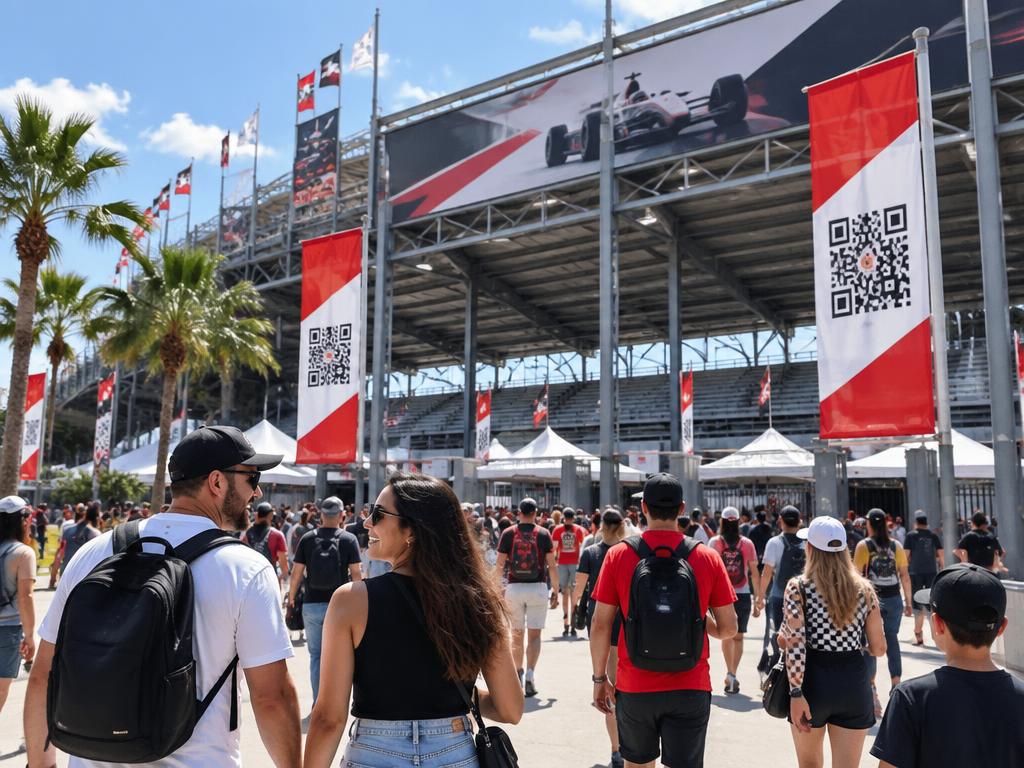
Entry gate
Large campaign banner
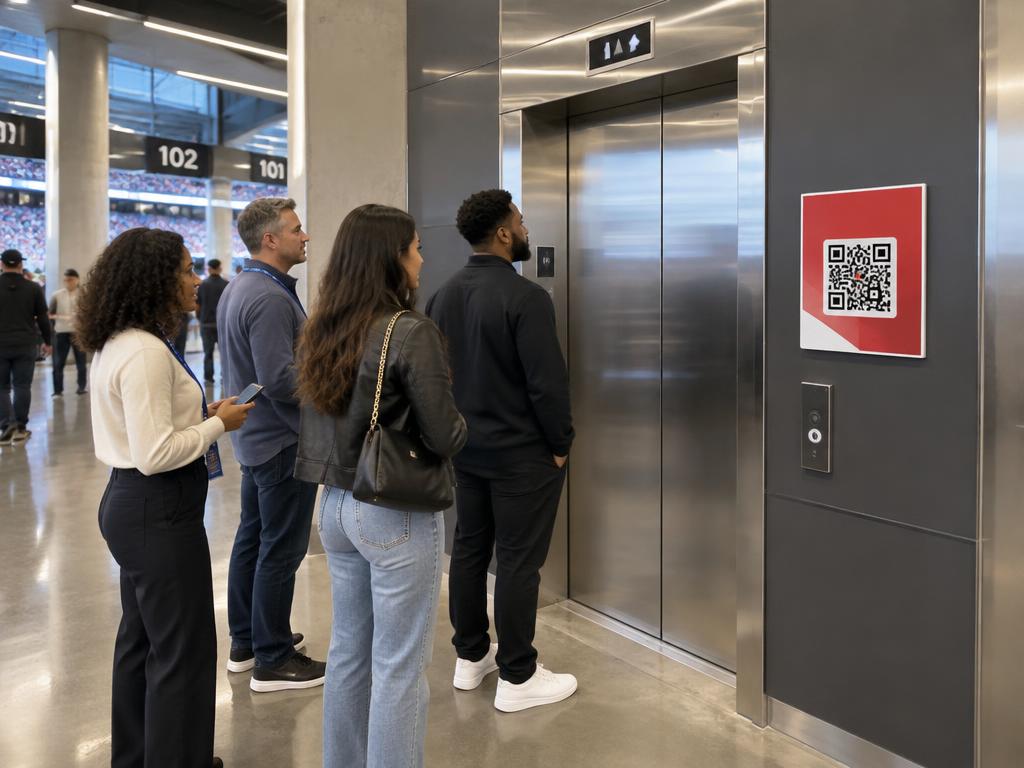
Elevator
Door or lobby placement
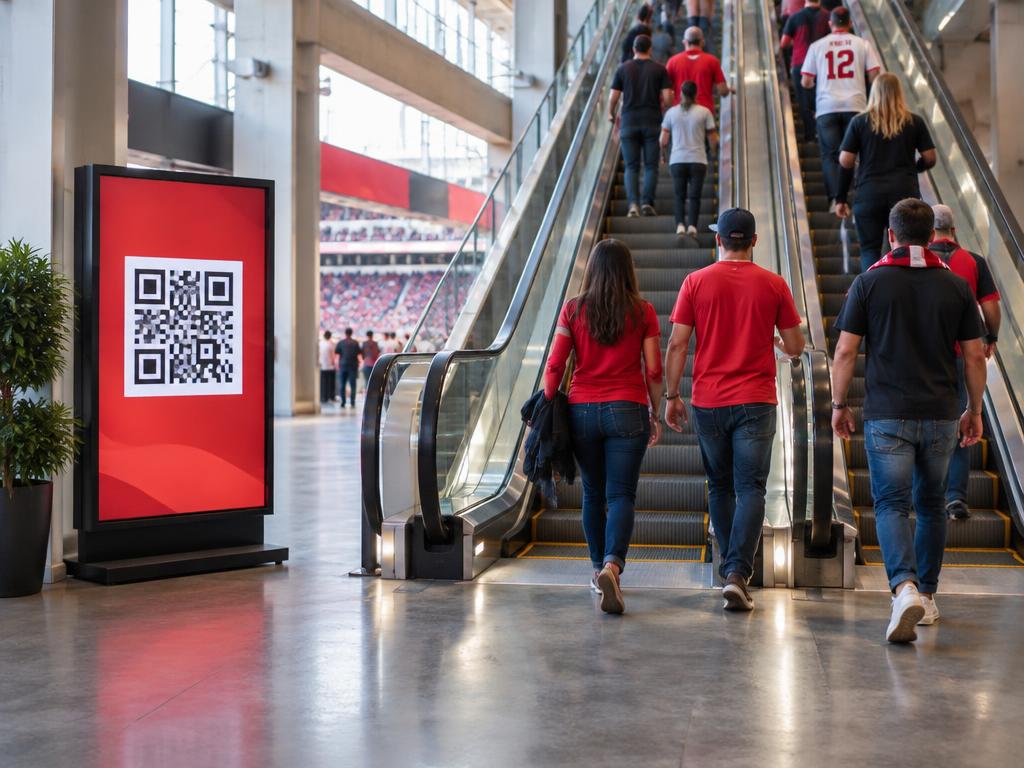
Escalator
Landing wall display
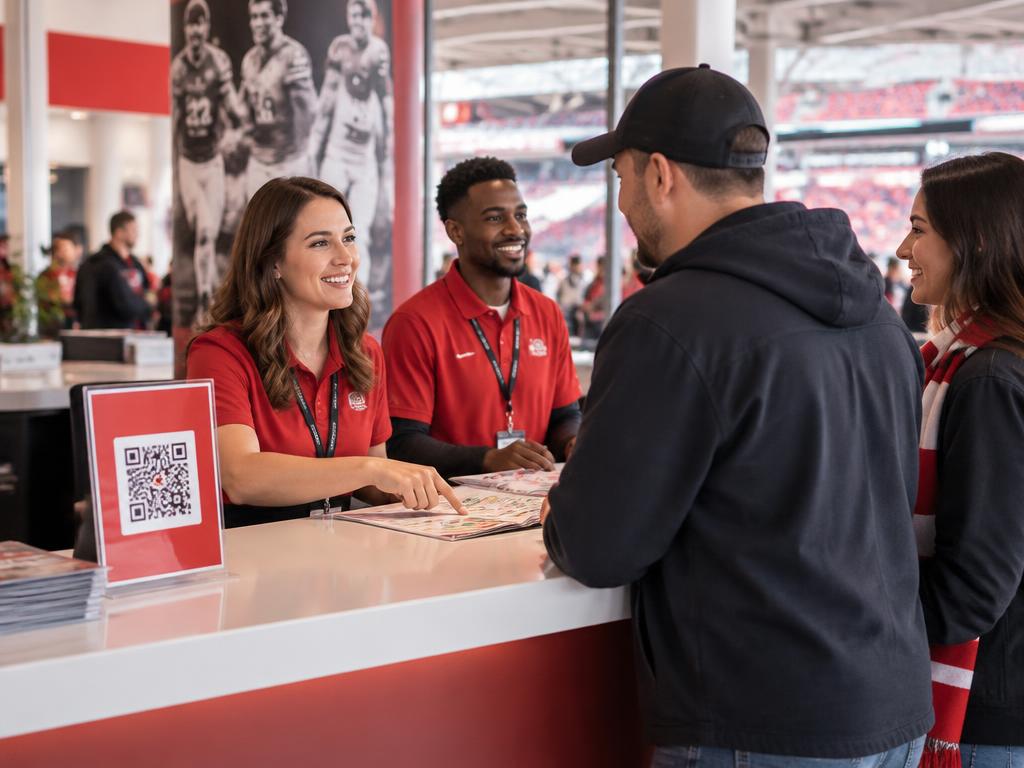
Information stand
Tabletop QR sign
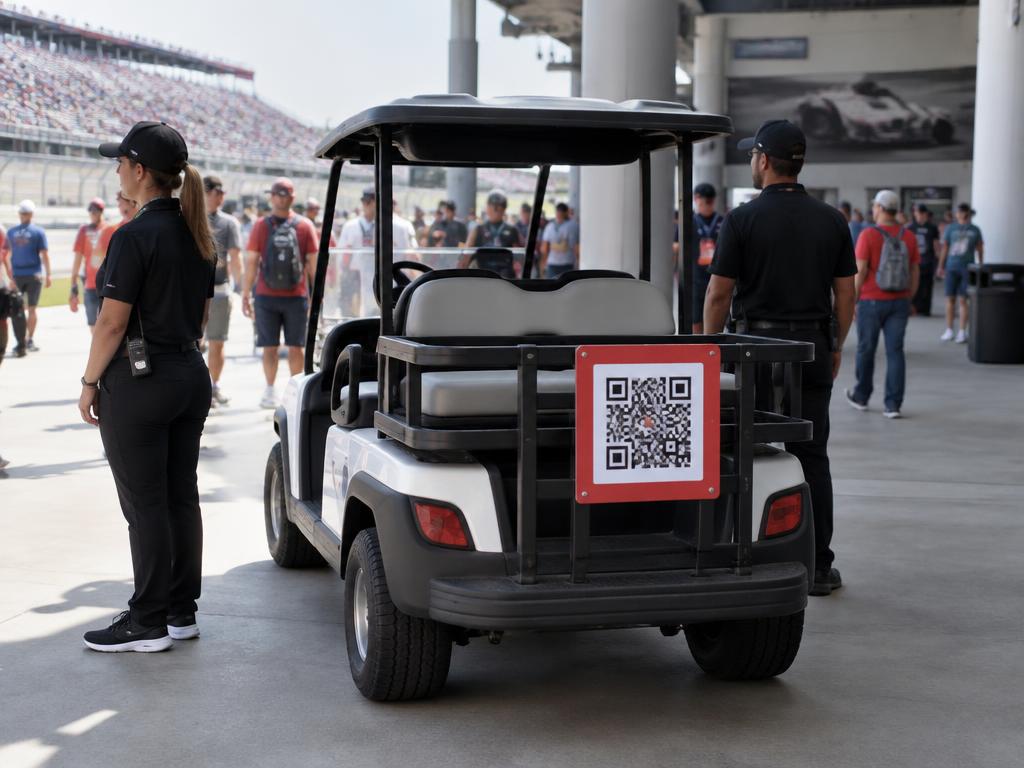
Operations cart
Rear campaign sign
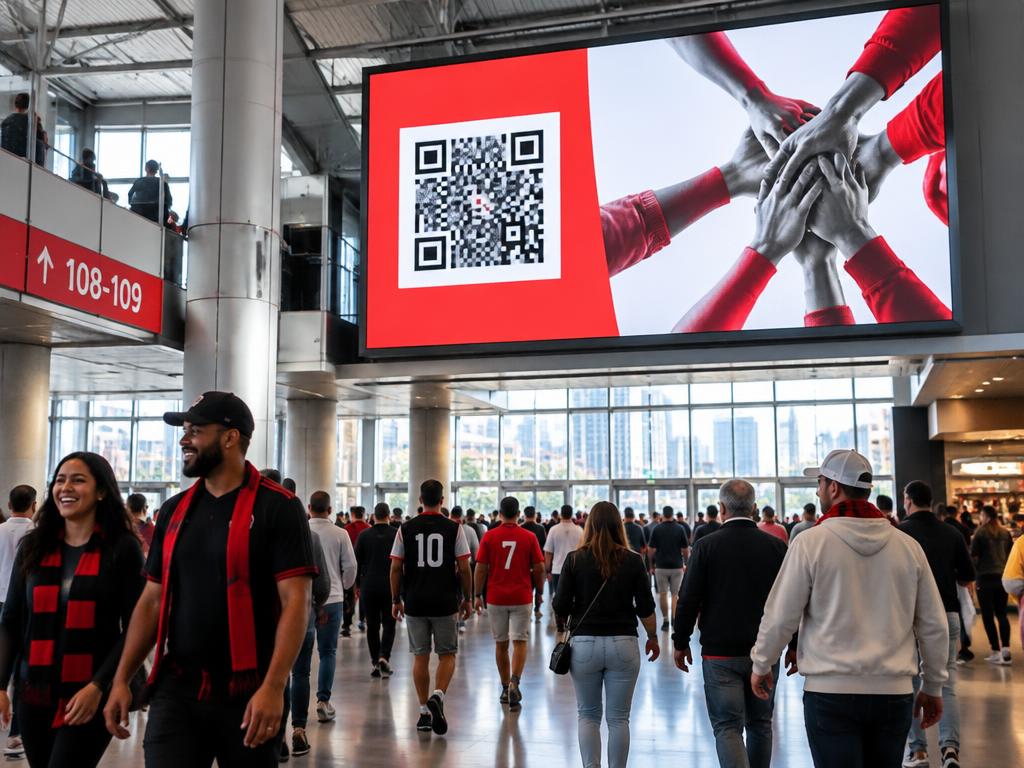
Concourse screen
Digital activation
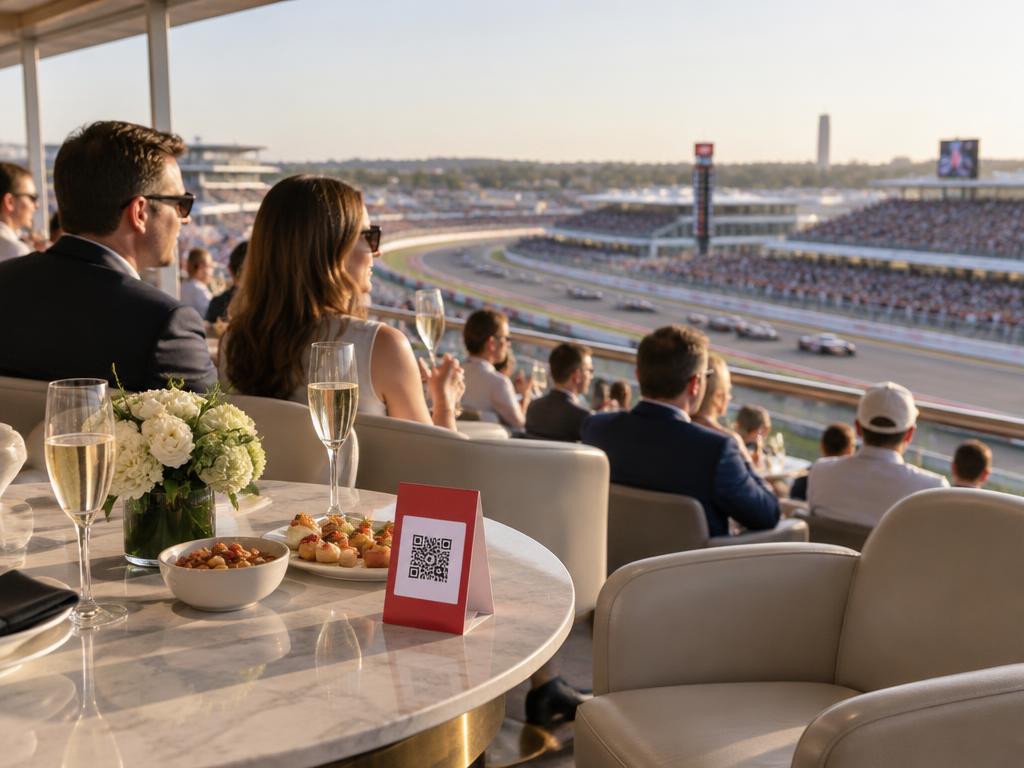
Seat or suite
Compact QR card
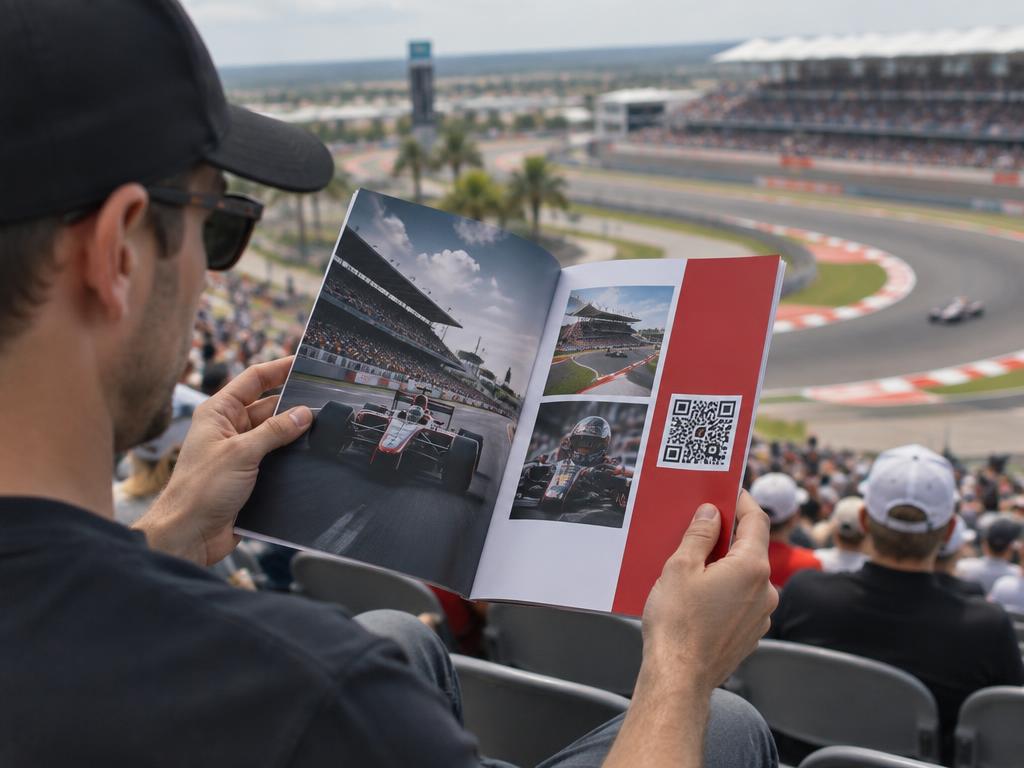
Event program
Printed contribution panel
Three steps for the fan.
No app download. No complex navigation. The campaign meets people in the moment.
Scan
See something? Do something.
Capture
Contribute
A single observation can become operational context.
“Concourse near Gate 3 is becoming congested.”
From fan contribution to structured evidence.
CivilCamAI is designed to preserve the context surrounding contributed media so organizations can understand what was submitted, when it was submitted, which event it belongs to, and what supporting validation information is available.
Start with one QR code. Scale to an entire venue.
The fundamental workflow remains the same: create, deploy, contribute, organize, review, and improve.
What the venue sees.
A single operating view organizes voluntary contributions by place, time, category, and pattern.
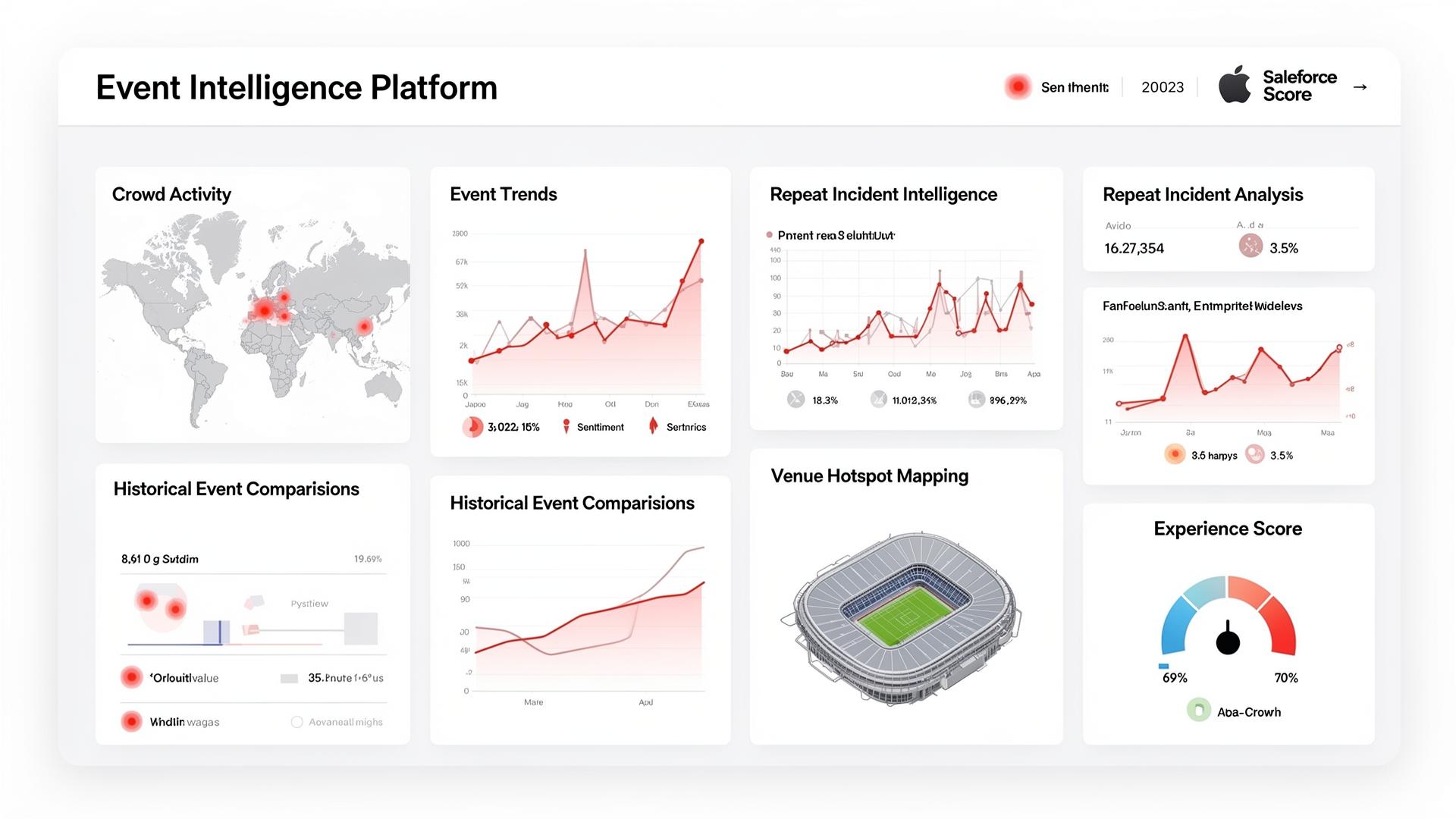
The value doesn’t end when the event does.
During the event
After the event
Participation becomes practical value.
Safer environments
More eyes can provide additional situational awareness.
Happier fans
Understand what attendees are actually experiencing.
Smarter operations
Identify recurring friction points and operational opportunities.
Better evidence
Preserve contributed media with stronger context and validation information.
Better future events
Turn event history into institutional knowledge.
Design your venue campaign.
Choose an environment and attendance range to generate a suggested deployment illustration.
Stadium · 50,000+
Launch your campaign.
A practical activation ladder aligns the technology, signage, people, and operating response before doors open.
30 days before
14 days before
7 days before
Event day
Post event
CivilCamAI complements your existing systems.
The prototype adds a structured visual contribution and evidence layer. It does not replace radios, emergency notification systems, 911, security dispatch, guest services, or existing operating platforms.
One campaign. Multiple invitations.
See something? Do something.
Scan. Capture. Contribute.
Help make today’s event better.
See something we should know about? Scan the QR code.
See something great?
We want to know that too. Scan and share your experience.
Every event makes the next event smarter.
events
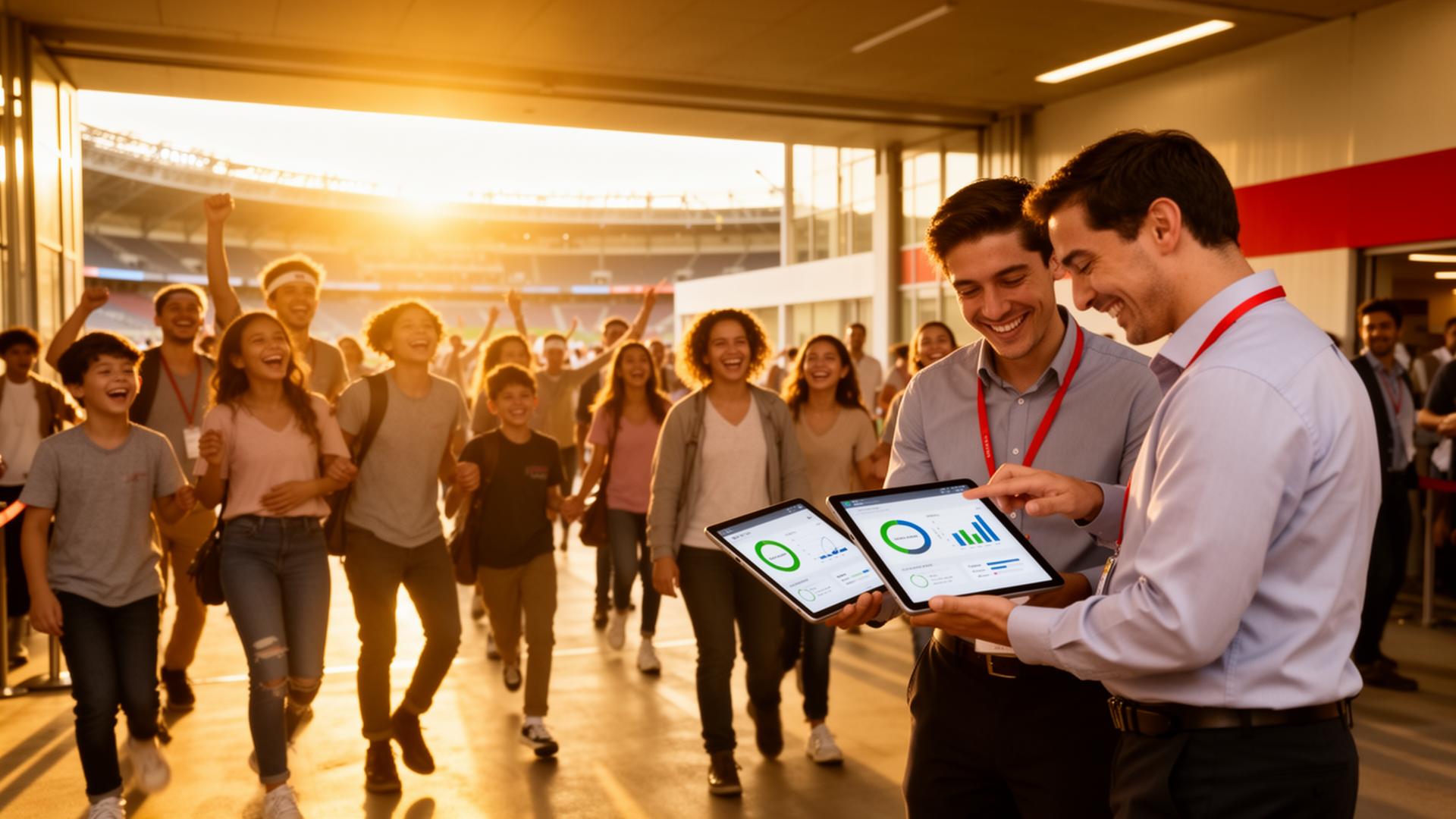
Give them a trusted way to contribute.
Launch a See Something, Do Something prototype campaign and explore how attendee participation can support safer environments, stronger evidence, better intelligence, and better events.
Powered by CivilCamAI · Prototype campaign experience